Diktator Local Translation
Diktator's own translation stays on your Mac.
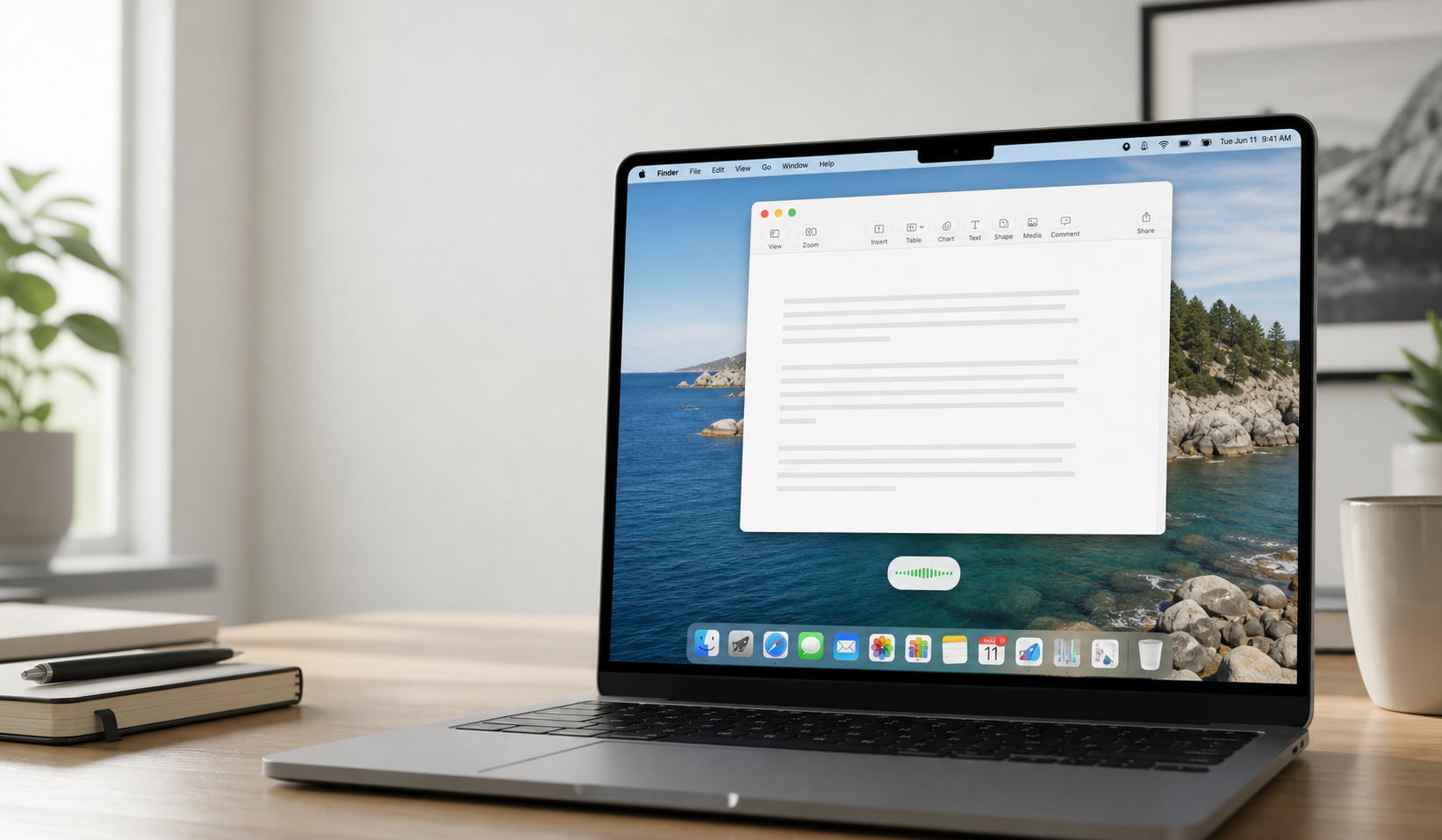
Dictate locally on Mac, iPhone and iPad, or try the new Android public beta. Start with the free version and choose when to begin the 21-day advanced trial.
Mac, iPhone and iPad available · Android public beta · Linux and Windows planned.
Dictation + translation
On Mac, choose a target language and translate what you dictate without leaving Diktator. Use either Diktator's local translation or Apple Translation within the same app.
Diktator's own translation stays on your Mac.
Use Apple Translation from the same workflow, even in the free version.
Free, Trial, Advanced
Start with the free version and keep using it without a deadline. Launch the 21-day advanced trial only when you choose, then pay once for the advanced workflow if you want it.
Use essential local dictation for as long as you like without starting the advanced trial. The free version includes the fast model; larger models and advanced processing remain in the advanced version.
Keep using the free version first. The trial begins only when you start it inside the app, so you can save it for later.
One perpetual website license covers your selected number of devices. No subscription or automatic renewal.
Designed for natural dictation
Diktator prepares speech before recognition and refines the text afterward. It handles pauses, divides longer speech into natural segments, carries context forward, understands spoken formatting, and applies careful cleanup.
The app follows pauses and speech rhythm, then divides longer dictation into natural segments before recognition.
Each segment is connected to what came before, helping the text keep its train of thought.
Spoken punctuation, new paragraphs, capitalization, and cleanup rules turn the first result into more readable text.
The app is especially careful with multilingual and mixed-script text, without promising a perfect result.
Write anywhere on Mac
Diktator is for everyday text in Notes, Pages, Word, Mail, Messages, browser fields, drafts, letters, outlines, and documents. It is not positioned as a Terminal command tool, a dedicated meeting recorder, or a service for transcribing long recordings.

Choose your edition
Use one App Store page for iPhone, iPad, and Mac. On a Mac, choose the signed and notarized direct edition from this website for the fullest set of Diktator features and the most flexible workflow.
App Store purchases and direct website licenses are separate.
App Store purchases support Family Sharing. A website license covers the device limit you select.
Bought Diktator on this website? After purchase verification, ask us for an App Store promo code. Bought it in the App Store? Ask us for a website promo code.
Contact support about your purchaseApp Store apps follow Apple's sandbox rules, which limit some system-level integrations. The direct edition can therefore offer more flexible shortcuts, text delivery, and advanced Mac workflow options.